


How to cancel your Tutorina subscription from Google Play
You can cancel your subscription directly from your phone by following the steps below:
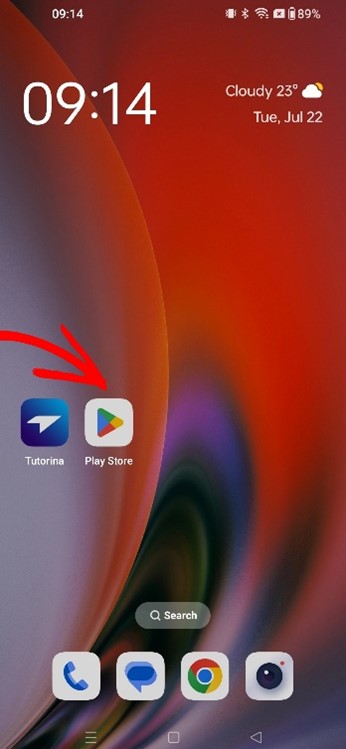
Step 1: Open the Google Play (Play Store) app on your phone.
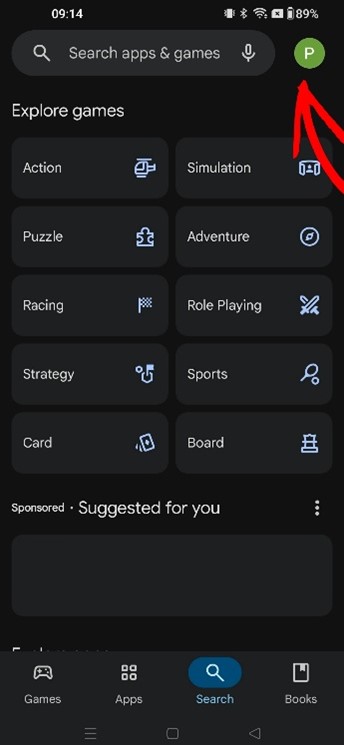
Step 2: Tap your profile icon in the top right corner.
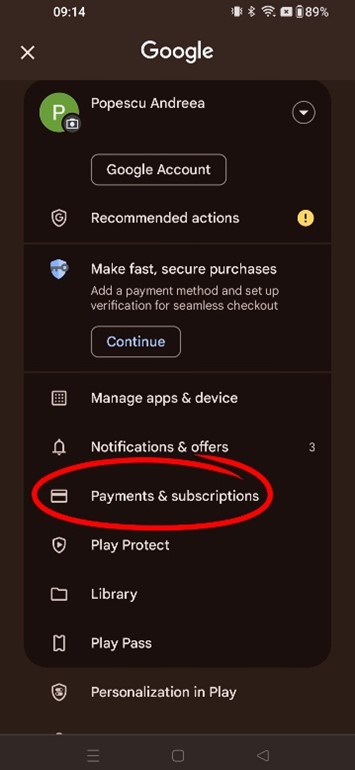
Step 3: Select Payments & subscriptions.
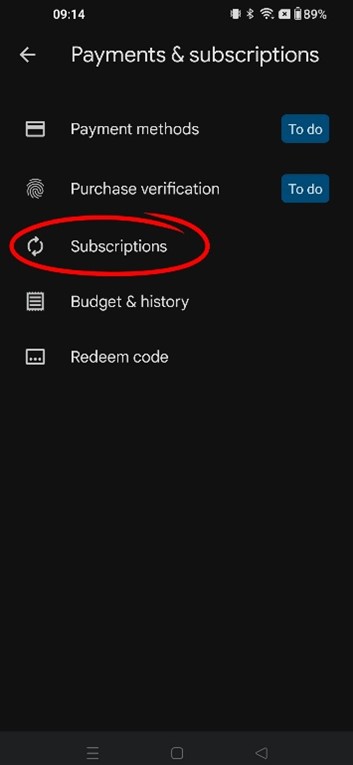
Step 4: Tap on Subscriptions.
Step 5: Choose Tutorina from the list of subscriptions, then tap Cancel subscription.
After these steps, your subscription will be successfully canceled.